Devices and setup for live sport
The service runs on most screens. The question is how well it handles a fast match, and that depends on the device and the network more than on anything else.
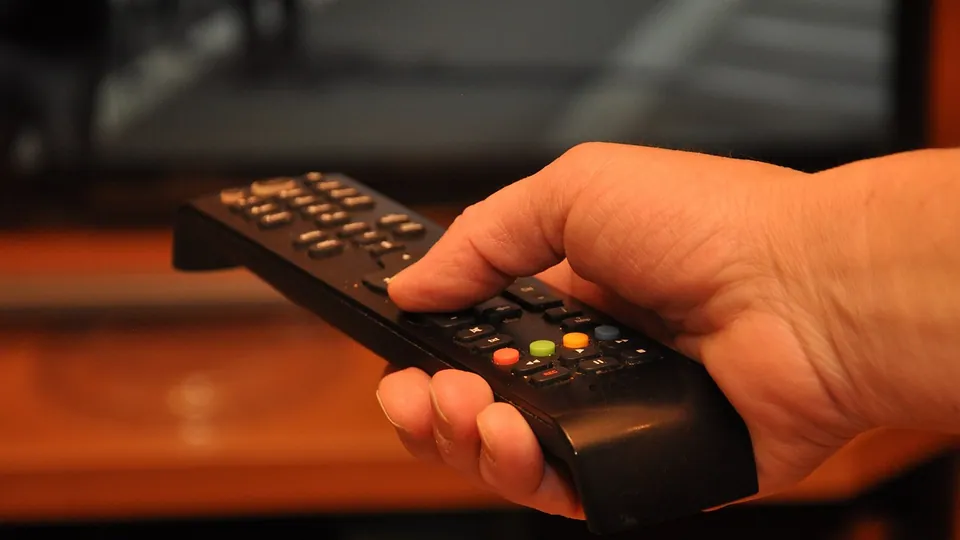
An Android TV or Google TV device, or a Fire TV Stick 4K, running TiviMate is the safe choice for sport. Use a cable instead of Wi-Fi if you can. Most stutters during matches come from Wi-Fi or a weak device, not from the service.
Devices compared for sport
| Device | Player | 4K | For sport |
|---|---|---|---|
| Android TV, Google TV | TiviMate, IPTV Smarters | Yes | The best all-round choice |
| Fire TV Stick 4K | TiviMate, IPTV Smarters | Yes | Good and cheap; basic and Lite models stop at Full HD |
| Apple TV 4K | Several tvOS players | Yes | Fast and stable, fewer players to choose from |
| Samsung, LG Smart TV | From the TV's app store | On 4K models | Fine for HD; older models may lack a player |
| Android box | TiviMate, IPTV Smarters | Depends on the chip | Cheap uncertified boxes stutter on fast sport |
| Phone, tablet, computer | IPTV Smarters, VLC | — | Good away from home; counts as a screen |
IPTV on a Samsung or LG Smart TV
Samsung (Tizen) and LG (webOS) let you install IPTV players from their own app stores. Which players are listed changes with the model year and the country the TV is registered in, so check the store before ordering.
Older Smart TVs often have no suitable player, and their processors struggle with fast sport. The honest fix is a streaming stick in an HDMI port.
IPTV on a Fire TV Stick
- Go to Settings → My Fire TV → Developer options and allow apps from unknown sources. If Developer options is missing, open About and select the device name seven times.
- Install Downloader from the Amazon Appstore.
- Use Downloader to install your player, or install it straight from the store if it is listed in your region.
- Log in with the details from the chat.
IPTV on Apple TV
Apple TV 4K is fast and stable, and the remote is good for zapping between matches. The trade-off is choice: tvOS has fewer IPTV players than Android, and most of the good ones cost a few euro. All of them accept an M3U link or an Xtream login.
TiviMate setup for sport
- Install TiviMate from Google Play, or with Downloader on a Fire TV Stick.
- Choose Add playlist, then Xtream Codes.
- Enter the server address, username and password exactly as sent in the chat.
- Choose which groups to load. Hide the ones you never watch and add your sports channels to Favourites.
- If kick-off times look an hour out, set the EPG time offset under Settings → EPG.
Catch-up playback and recording sit behind TiviMate Premium, a separate purchase from the app's developer. The free version plays live TV.
IPTV Smarters
- Install IPTV Smarters Pro on Android or Fire TV, or the Smarters player for your platform.
- Choose Login with Xtream Codes API.
- Enter any name, then the username, password and server address from the chat.
- Wait while channels, films and series download, then open Live TV.
Smarters keeps live TV, films and series in separate sections, which suits phones and tablets. On a TV remote, TiviMate is quicker.
M3U playlist
An M3U playlist is a link to a text file listing every channel. Use it in VLC, in Kodi's IPTV Simple Client, and in players without an Xtream option. Paste the link into the player rather than saving the file: the list changes, and a saved copy goes stale.
The guide comes as a separate EPG link in XMLTV format. If your player needs one and it is missing from your message, ask in the chat.
How to stop buffering during live football
| Symptom | Usual cause | Fix |
|---|---|---|
| Stutters on every channel | Wi-Fi signal or speed | Use a cable, or move the router closer |
| Stutters only on fast sport or 4K | Device too weak to decode | Switch to HD, or use a faster device |
| Stutters only on match nights | Congestion on your broadband | Test on mobile data at the same time |
| One channel stops, the rest work | A problem with that channel's source | Report it in the chat |
| Quality | Minimum | Recommended | Typical setup |
|---|---|---|---|
| SD 480p | 3 Mbit/s | 5 Mbit/s | Phone on 4G |
| HD 720p | 5 Mbit/s | 8 Mbit/s | Phone on 5G |
| Full HD 1080p | 8 Mbit/s | 15 Mbit/s | Smart TV |
| 4K UHD | 20 Mbit/s | 30+ Mbit/s | Fibre and a 4K TV |
IPTV delay compared with cable
Cable and aerial run a few seconds behind the stadium. IPTV adds its own buffer on top, so it typically runs a few seconds to around half a minute behind cable. The size of the player's buffer decides most of that.
A smaller buffer means less delay and more risk of stutter on a weak line. A larger one means the opposite. On a stable cabled connection you can afford a smaller buffer; on Wi-Fi, leave it as it is.
Questions and answers
What is the best IPTV app for sports?
TiviMate on an Android TV, Google TV or Fire TV device: its guide is the quickest to use with a remote. IPTV Smarters suits phones and tablets.
Does IPTV work on a Firestick?
Yes. Install the player from the Amazon Appstore or with Downloader, then log in. The basic and Lite models play Full HD; 4K needs a 4K model.
Why does football buffer when nothing else does?
Fast movement needs more data and more decoding power. Try a cable instead of Wi-Fi, then HD instead of 4K.
Can I use the same login on several devices?
Yes, but how many play at the same time depends on the plan: one screen on most plans, four on twelve months.
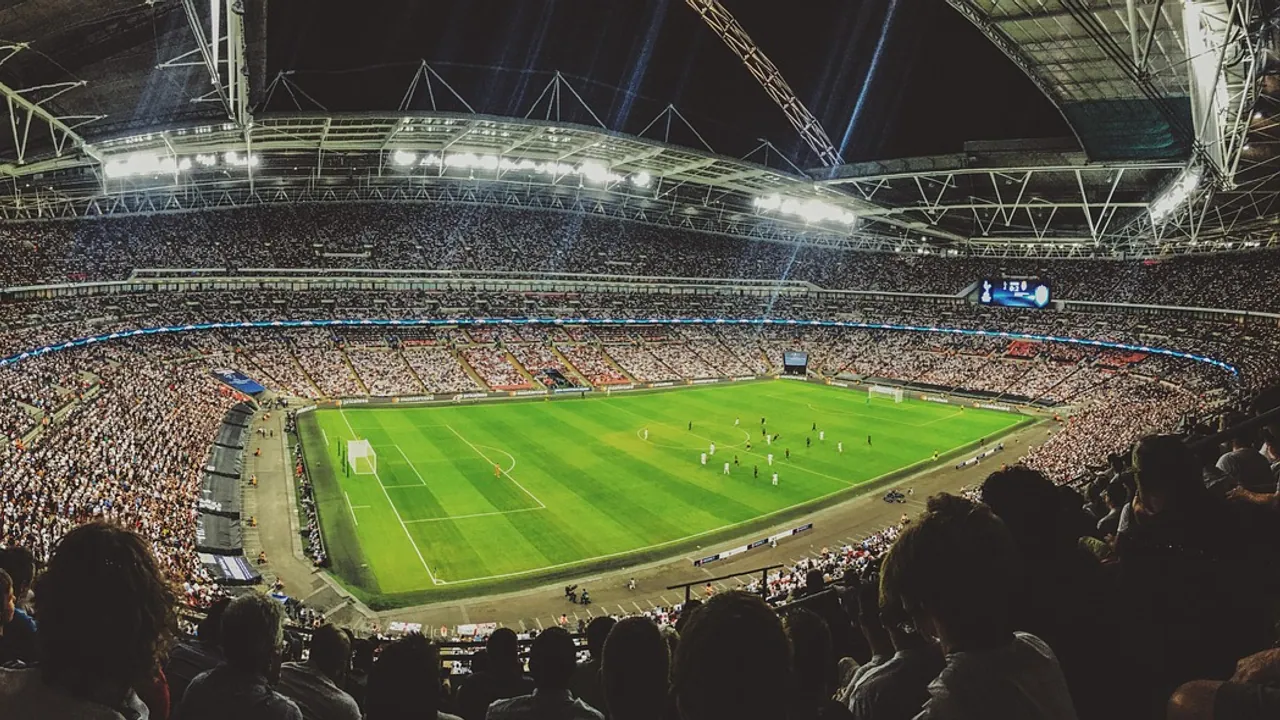
Spend €4 before you spend €89.
The test runs for 48 hours on one screen and stops by itself. Start it on a Friday, so it covers a full weekend of matches.